
Connect your AI agent to Strikt.
It sees your training day and can send you a set to do while you work.
https://strikt.fit/mcp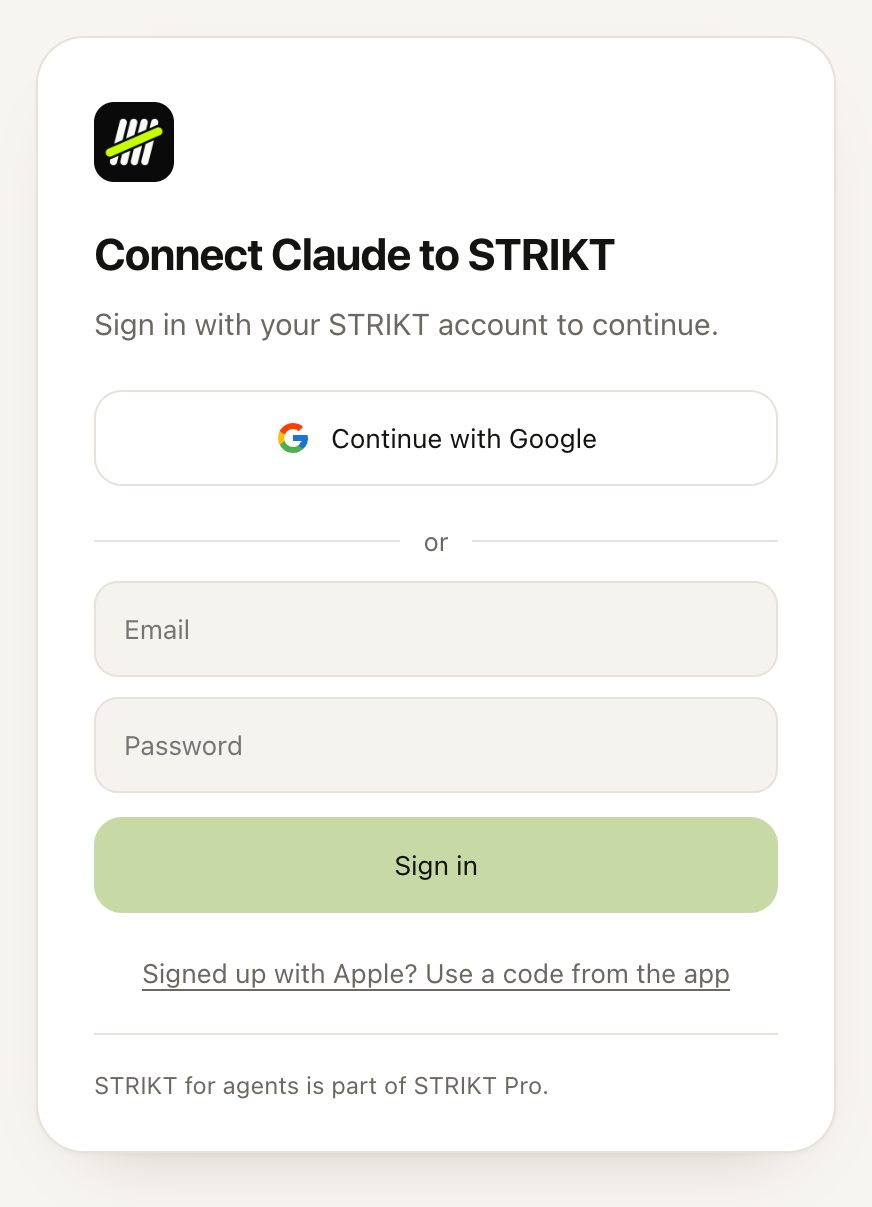
Two steps
Add Strikt to your agent
On claude.ai or in the Claude app, open Customize › Connectors, click Add custom connector, paste the address and click Add. Then click Connect next to Strikt.
Sign in and tap Connect
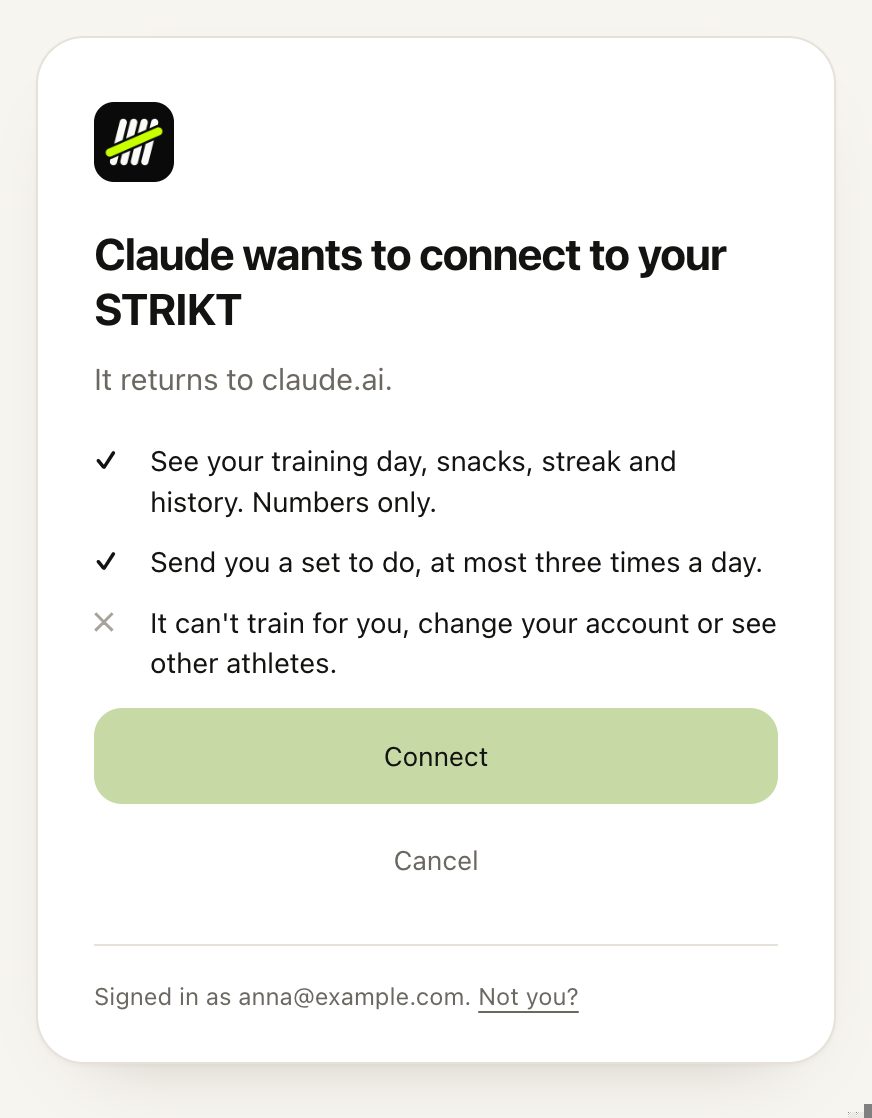
A Strikt page opens. Sign in with the account you use in the app, Google or email, and tap Connect. It goes back to your agent by itself.
Signed up with Apple?
On the page, tap “Use a code from the app”. Then in Strikt go to Settings › AI agents, tap “Enter a code” and type it.
It can
- See your training day, snacks, streak and history. Numbers only.
- Send you a set, at most three a day and never in your quiet hours.
- Propose changes to your plan. Nothing changes until you accept them in the app.
It can’t
- See photos or videos, or count reps for you.
- Change your account or see other athletes.
You decide
- Disconnect it anytime in Settings › AI agents.
- Mute its notifications in Settings › Notifications.
Questions
Do I need Strikt Pro?
Yes. Connecting an agent is part of Strikt Pro.
The code expired.
Each code lasts 10 minutes. Start the connection again from your agent and a new page with a new code opens.
My agent says it needs authentication.
Sign in again from the agent: Connect next to Strikt in Claude, /mcp in Claude Code, codex mcp login strikt in Codex.
Still stuck? Write to us.